Ads workflow
An AI commercial generator for cinematic product spots
Upload one product photo or paste a product link. AI plans three or four striking scenes, places your product in each, animates a smooth camera move through every shot, scores it with original music and closes on your product card. No people, no studio.
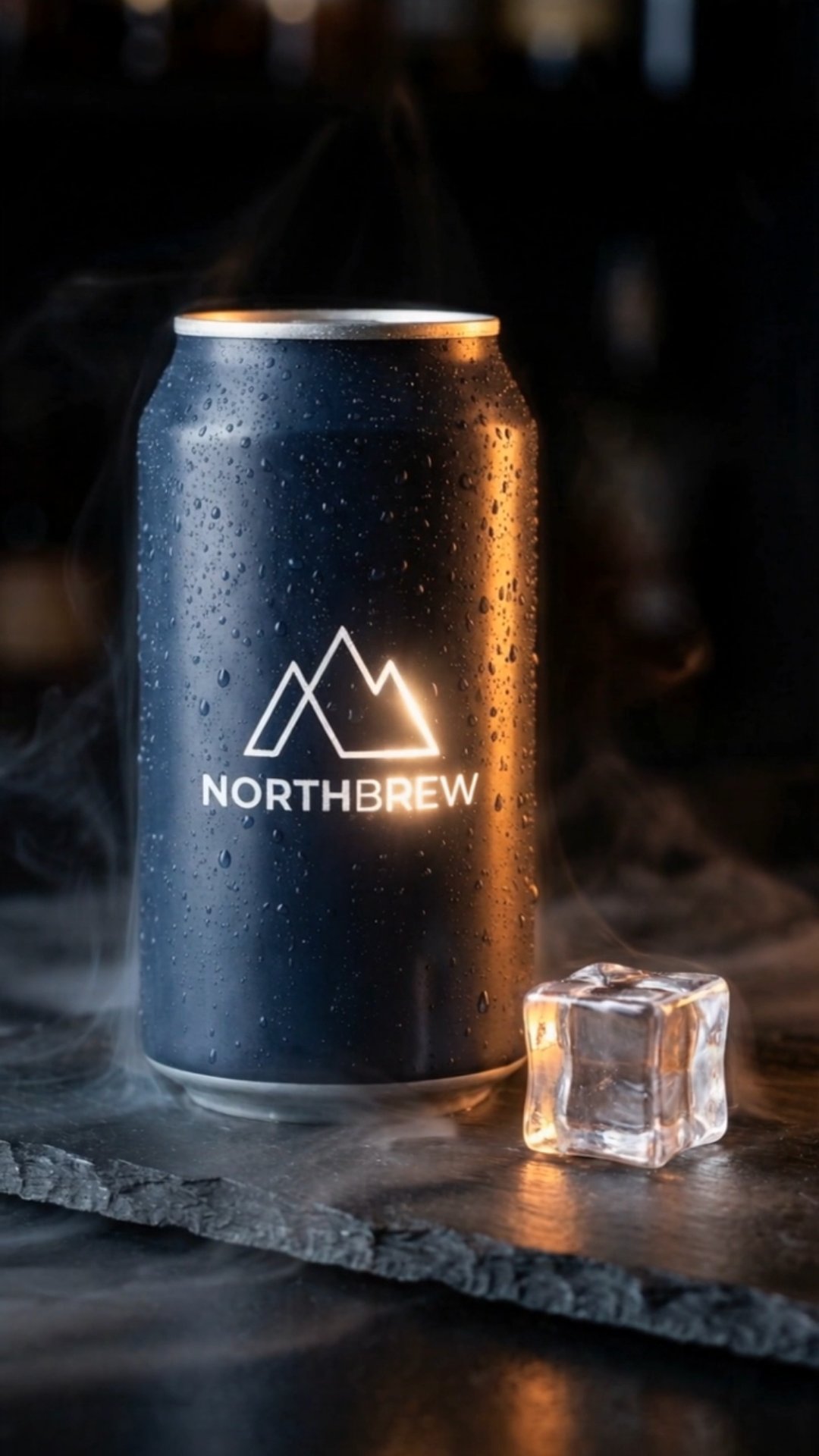
what it does
The studio product video, without the studio
Some products sell on how they look: a bottle catching the light, a watch on dark stone, trainers in drifting mist. A product commercial like that normally needs a set, lighting, a motion rig and a day of shooting. The product spot workflow builds the same kind of video from a photo you already have.
AI writes a short shot list for your product. Each shot is a scene (surface, props, light, atmosphere) and one camera move: a slow orbit, a push-in, a top-down reveal. An image-editing model places your product into each scene, told to keep its shape, label and colours exactly as they are, and an image-to-video model brings the shot to life.
There are no people in a product spot, which keeps every frame on the product and skips casting entirely. It suits paid ads, product pages, launch teasers and the hero of your website.
how it works
How it works
One input, then AI runs every step below. Review the plan first, or let it go straight to a finished MP4.
Step 1: Add your product
Upload a product photo or paste a product link, and AutoReel uses the first product image. Add a few words about the mood or the audience if you like.
Step 2: AI plans the spot
AI writes three or four shots, each a distinct on-brand scene with one smooth camera move, plus a short end-card line and a music mood.
Step 3: Keyframes, then motion
For each shot, an image-editing model places your product in the scene, then an image-to-video model animates the camera move with light, reflections or particles.
Step 4: Music, end card, export
Instrumental music is generated to the mood, the shots are cut together with soft fades, your product card closes the spot and the MP4 exports by itself.
what you get
What you get
A short cinematic spot
Three or four shots of a few seconds each, then an end card, at 9:16, 1:1 or 16:9.
Music made for it
An instrumental track generated for this spot in the mood the plan chose, not pulled from a stock library.
A closing product card
Your product photo with a short line of up to five words, so the spot ends on what to buy.
Stills and clips you can reuse
Each scene's still and clip is saved to your library too: use a still as a thumbnail or a single clip on its own.
who it's for
Who uses it, and for what
Beauty, fashion and accessories
Products that sell on finish, texture and light, shown in scenes that match the brand.
Food and drink
Bottles, cans and packaging in settings that carry the flavour and the season.
Launches and drops
A teaser for a new product before the photographer, or even the stock, arrives.
Store and product pages
A short video for a product page, a collection banner or the top of your homepage.
tips
Tips for better results
Use a clean, sharp product photo
A product on a plain background, evenly lit and in focus, separates cleanly and drops into new scenes best.
Bigger labels survive better
Small print is the hardest thing for image models to keep crisp. Photos where the logo and label are large and clear hold up best.
Name the mood
“Summer, citrus, bright and fresh” or “luxury, dark marble, warm gold light” steers every scene and the music.
Pick the shape for where it runs
9:16 for TikTok, Reels and Shorts, 1:1 for feeds, 16:9 for YouTube and your website.
related
Keep exploring
Workflows that pair well with this one, the models behind it, and the features that go deeper.
Related workflows
- Product adPaste a product link and get a creator ad: review, unboxing or tutorial.
- Photo effectsTurn one photo into a viral clip: zooms, transformations, camera moves.
- Hook + demoA scroll-stopping AI hook stitched to your product demo.
- AI UGC videoAn AI creator talks about your product, perfectly lip-synced.
Models it uses
- Nano Banana 2 EditStandard quality
- Seedream 5.0 Pro EditStandard quality
- Kling 3.0 Pro (Image)Standard quality
- Wan 3.0 (Image)Standard quality
- ACE-Step 1.5Standard quality
- Mureka 9.5 BGMStandard quality
- Nano Banana Pro EditBest quality
- GPT Image 2.5 Sunburst EditBest quality
- Seedance 2.5 (Image)Best quality
- Veo 3.1 (Image)Best quality
- ElevenLabs Music v2.5Best quality
- Lyria 3.5Best quality
Go deeper
faq
Product spot: questions
What is an AI commercial generator?
A tool that makes a product commercial with AI instead of a camera crew. In AutoReel, AI writes the shot list, builds each scene around your real product photo, animates it and adds music and an end card.
Do I need a 3D model of my product?
No. One ordinary product photo is enough. Scenes are generated from the photo, so there's no 3D file, render farm or animation software involved.
Will my product look exactly the same?
Every scene is generated with an instruction to keep the product identical in shape, label and colour. Fine print can soften, so start from a sharp photo with a clear label and check the result before you publish.
Are there people in the video?
No, product spots are product-only by design. For a creator holding or talking about your product, use the product ad workflow.
Can I edit the spot afterwards?
Yes. It opens in the editor as a normal reel: add text, change the end card line, trim or reorder shots, or swap the music, then export again.
How long is a product spot?
Three or four shots of a few seconds each, plus the end card: short enough for a feed, a pre-roll or a product page.
What kinds of products work best?
Products with a clear shape and a distinct label or finish: bottles, jars, cans, shoes, watches, gadgets and packaged goods. Very small items, transparent products and products defined by fine detail are harder for image models, so test one spot before you make many.
Your next reel is one prompt away.
Start with 100 free credits. No card needed.